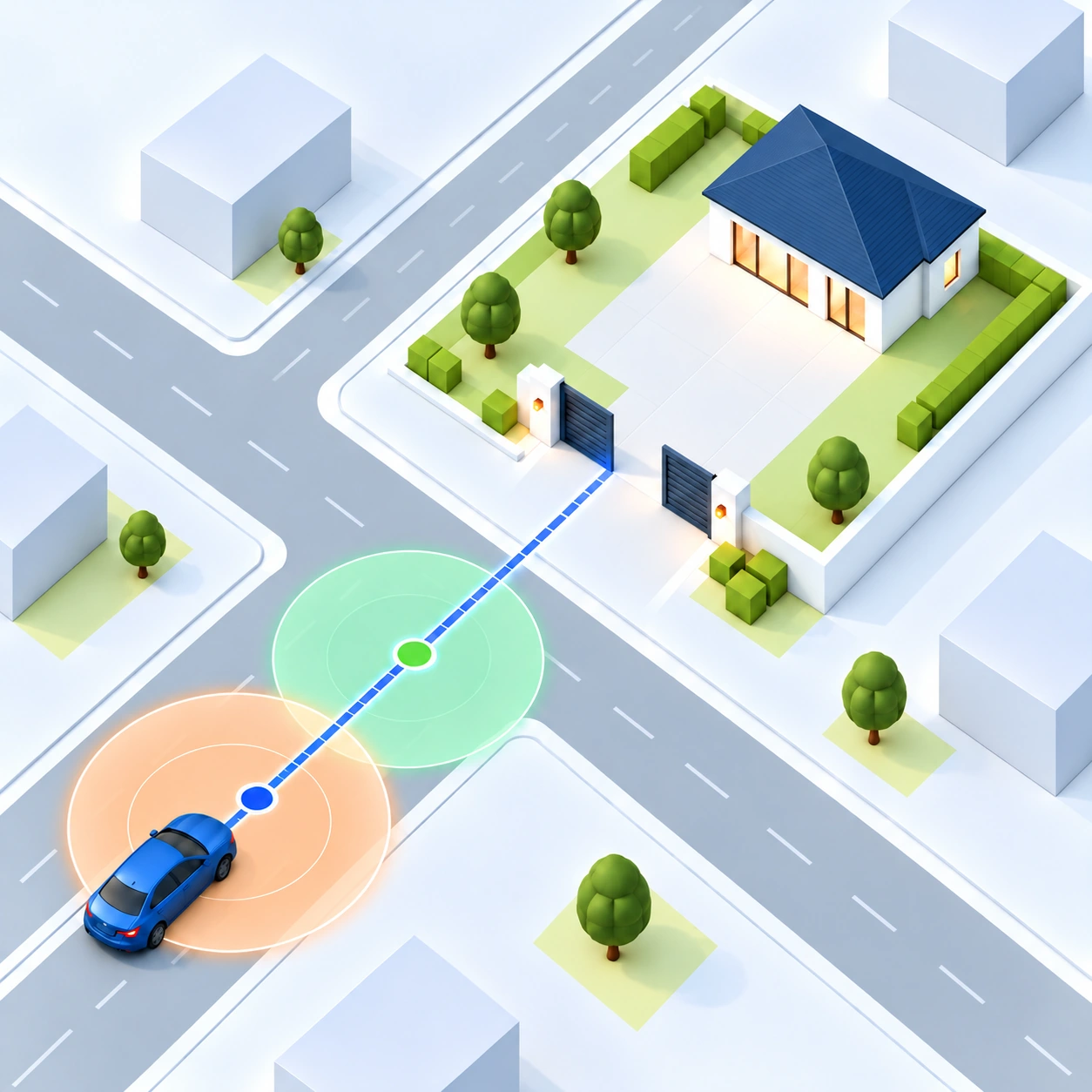
Automatic arrival
The app prepares GPS before the gate, confirms the correct zone and direction, then sends the opening command.

Gate Auto Open recognises when you are approaching the gate or starting a departure and automatically triggers your saved opening method. No remote and no reaching for the phone.

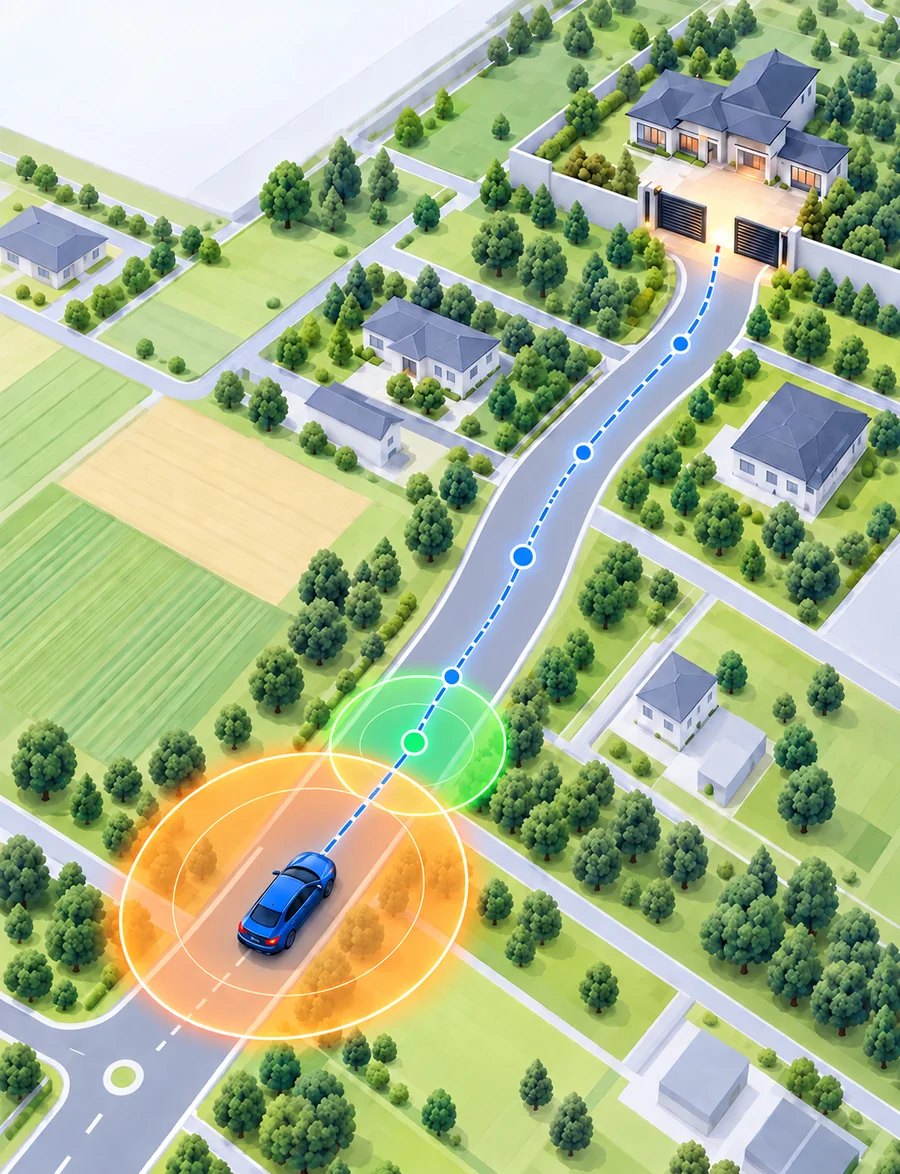
The app prepares GPS before the gate, confirms the correct zone and direction, then sends the opening command.
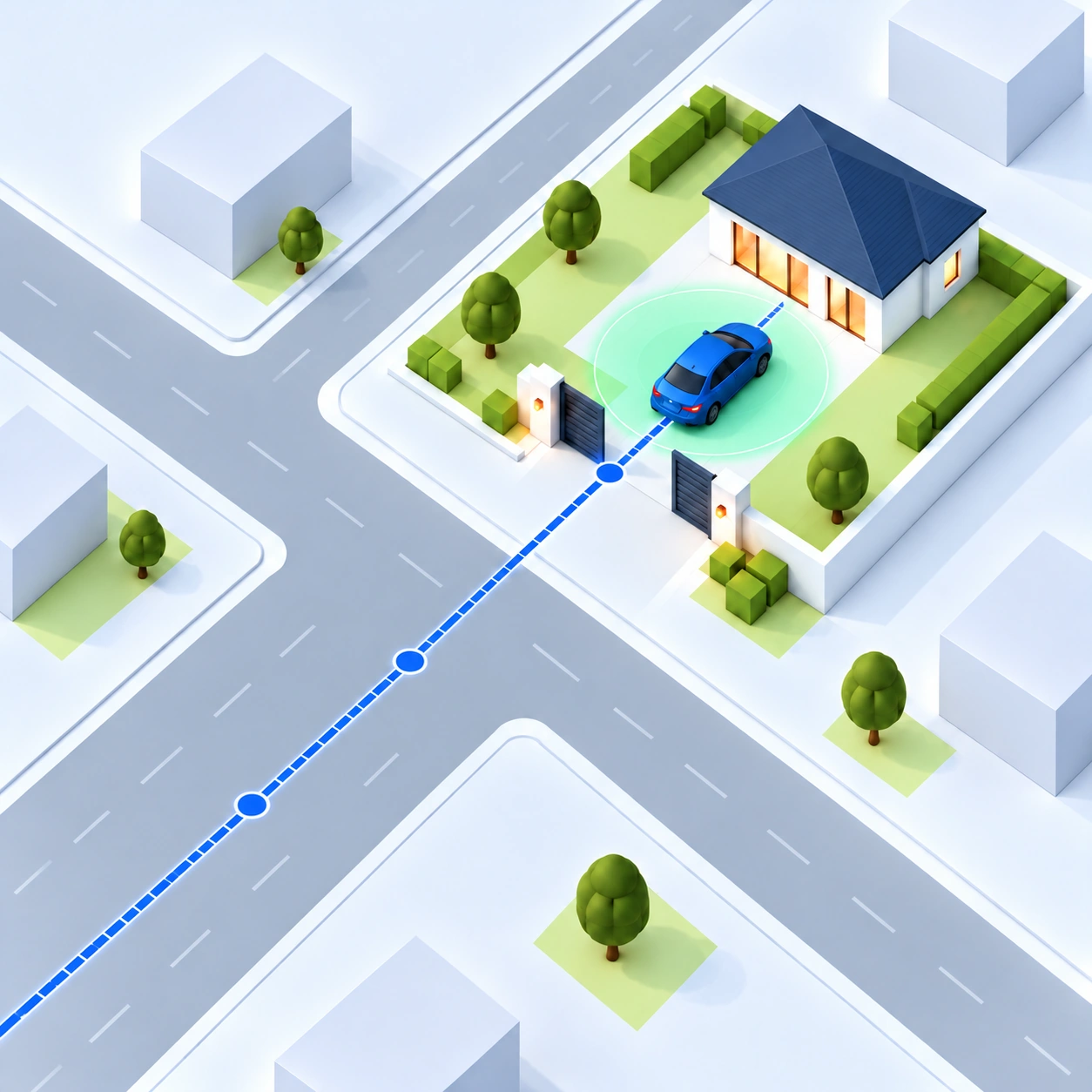
Departure can use car Bluetooth, a departure zone or a helper wake-up after losing home Wi-Fi.
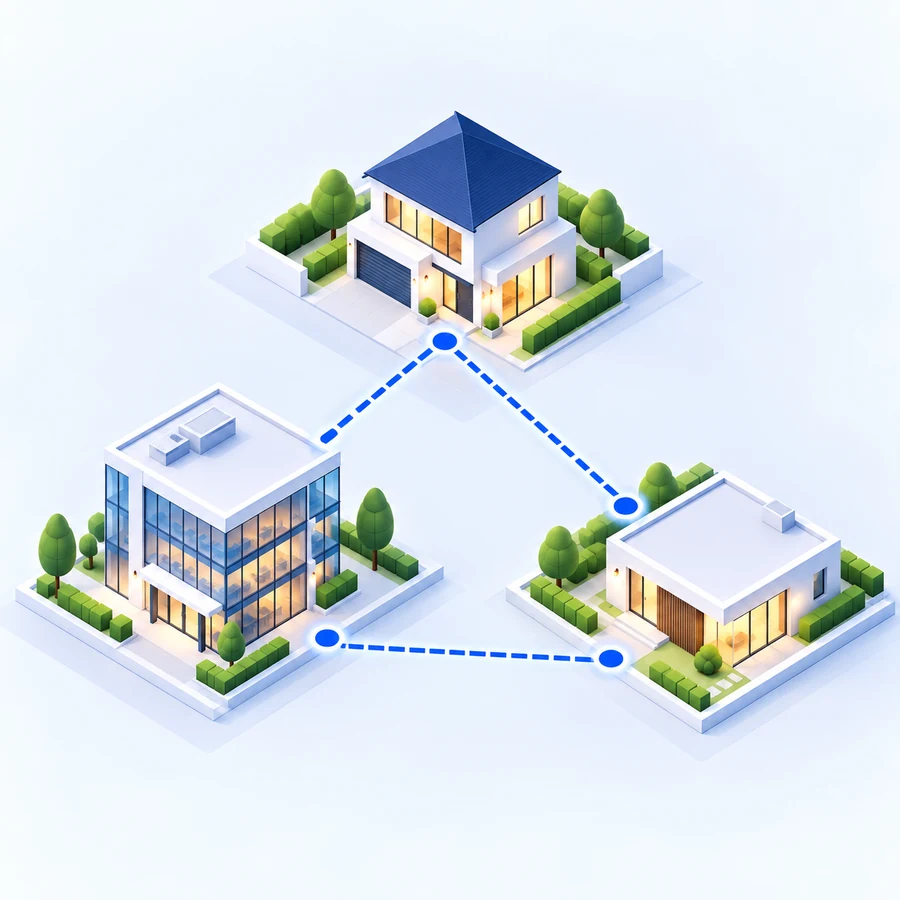
Add Home, Work and more locations. Each place can have its own zones, cars and opening method.
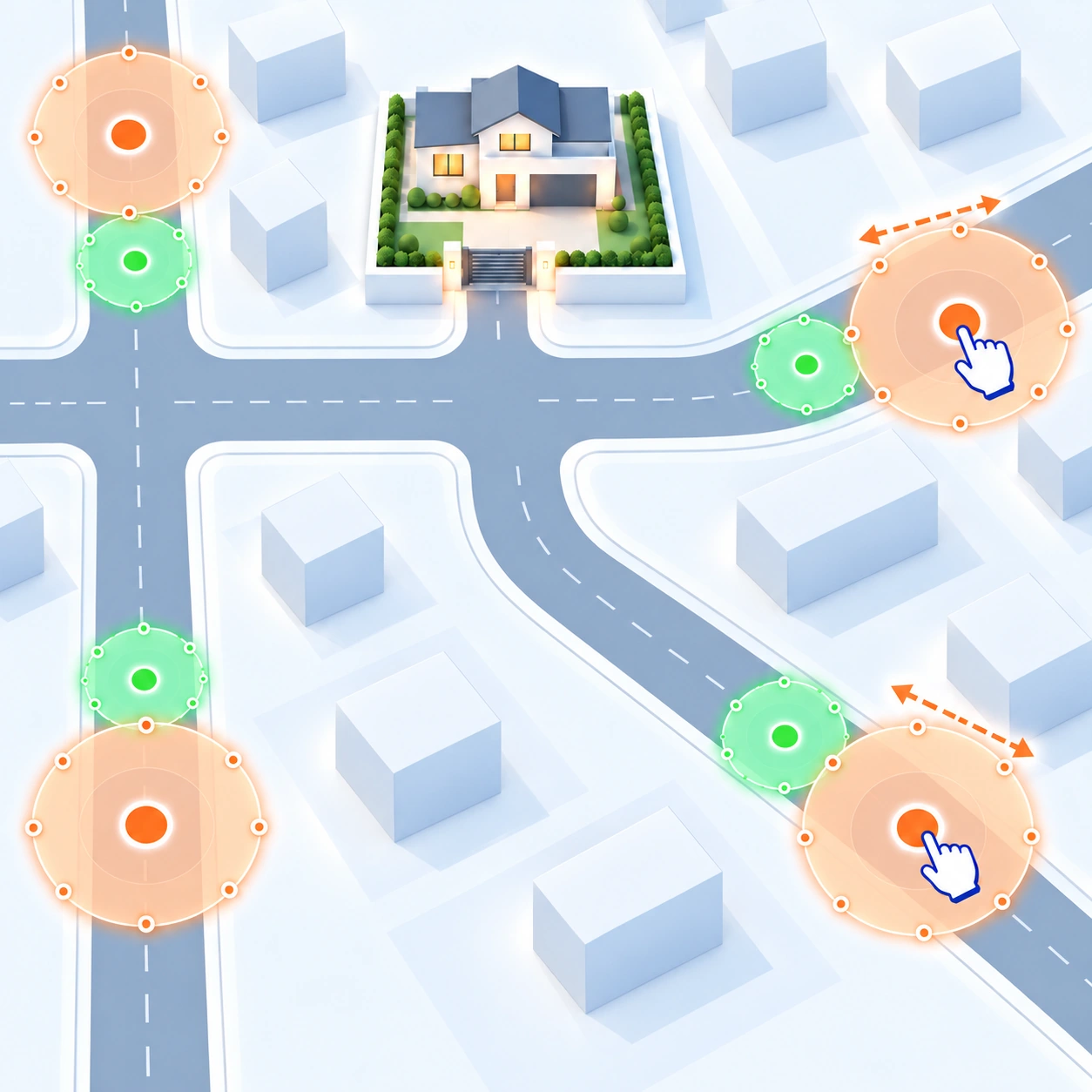
Create separate zones for different directions and approach roads so the gate opens only when it should.
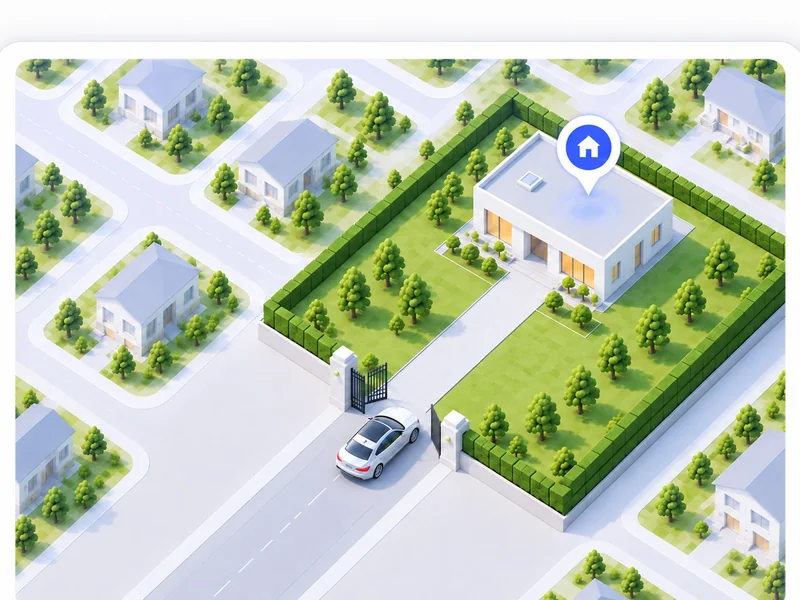
The app recognises that you are approaching home, prepares precise location and opens the gate at the right moment — without reaching for your phone.
See full configuration →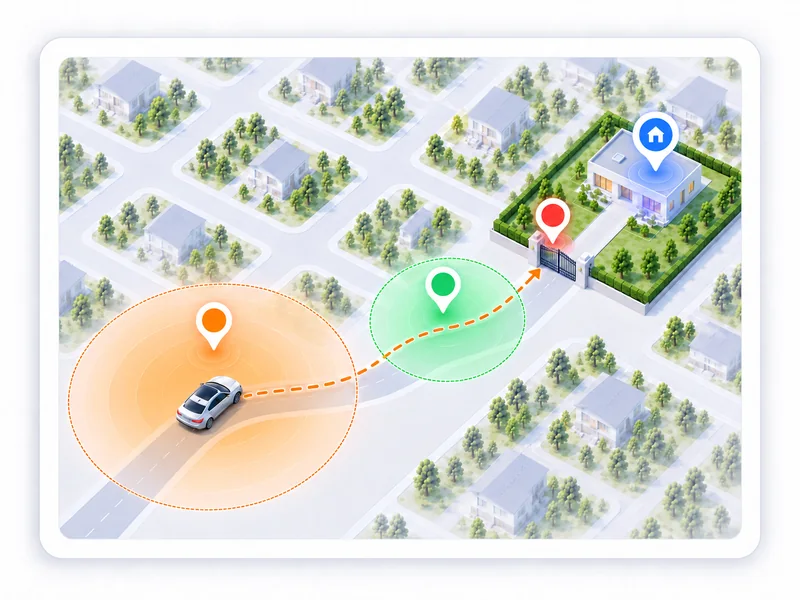
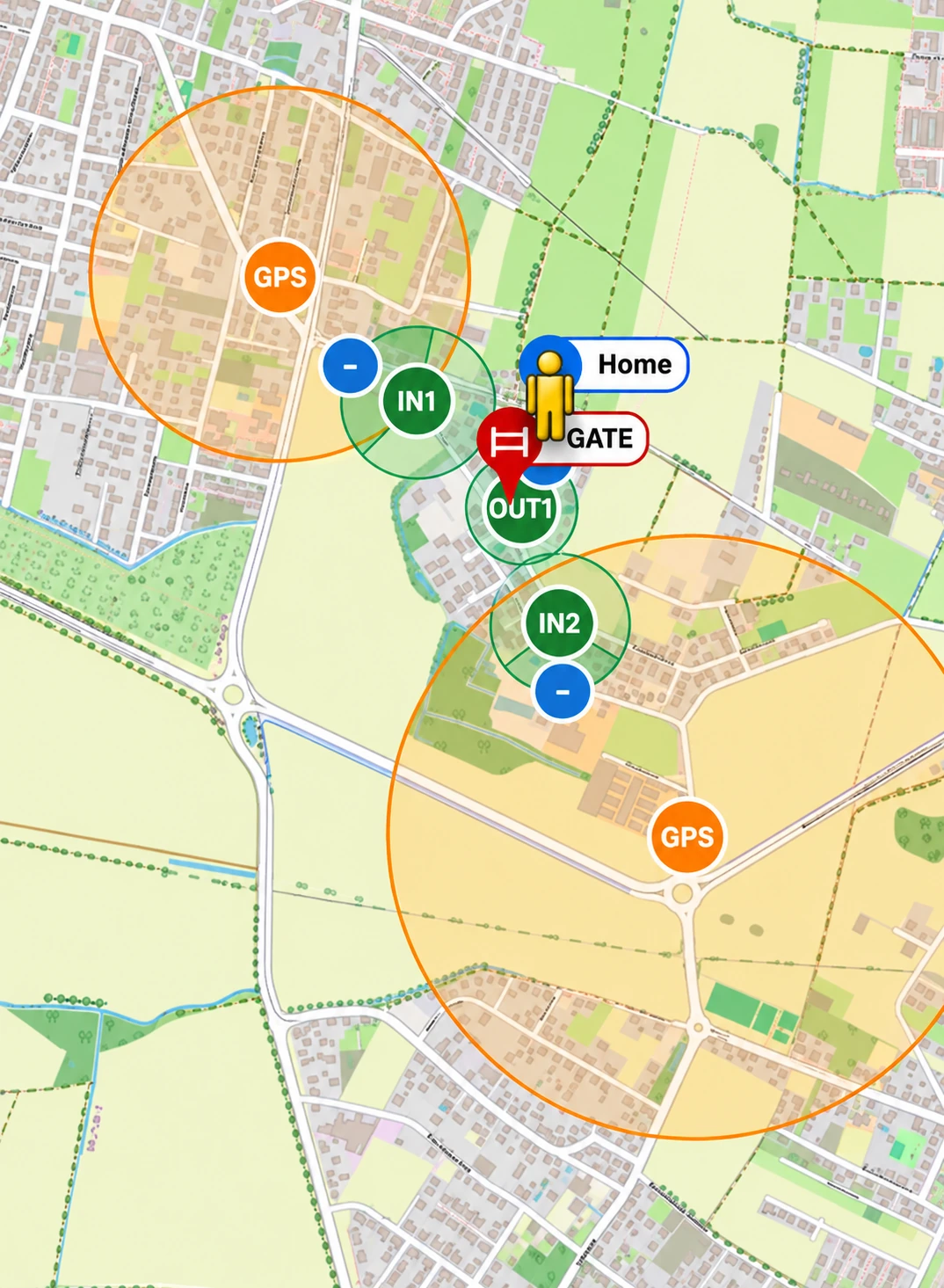
The orange zone prepares precise GPS before the actual opening point.
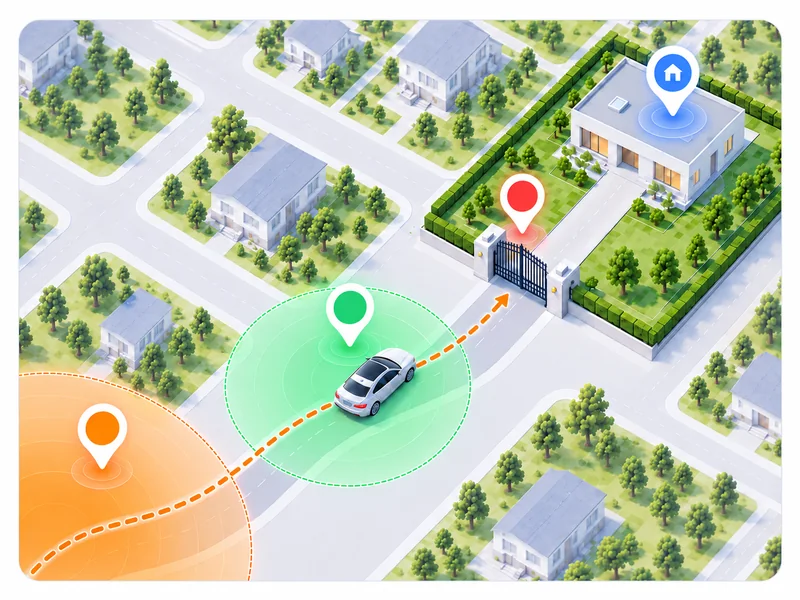
The green zone confirms the correct approach and, if configured, the direction of travel.
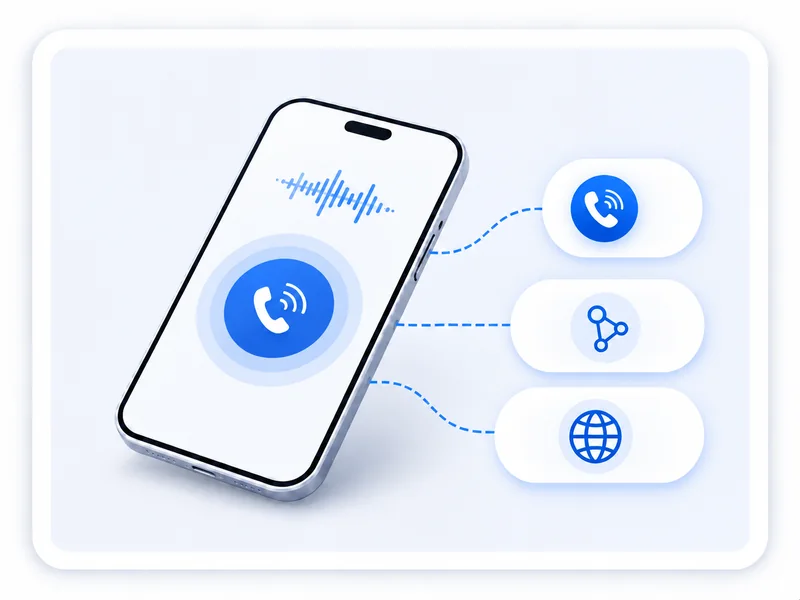
When the conditions are met, the app triggers the saved method — for example a GSM call or a supported link.
The command is sent early enough to give the gate time to open before you arrive.
Departure is configured independently from arrival. Choose one of three variants depending on your car and property:
This lets you match the opening logic to your property and the way you use your car.
See full configuration →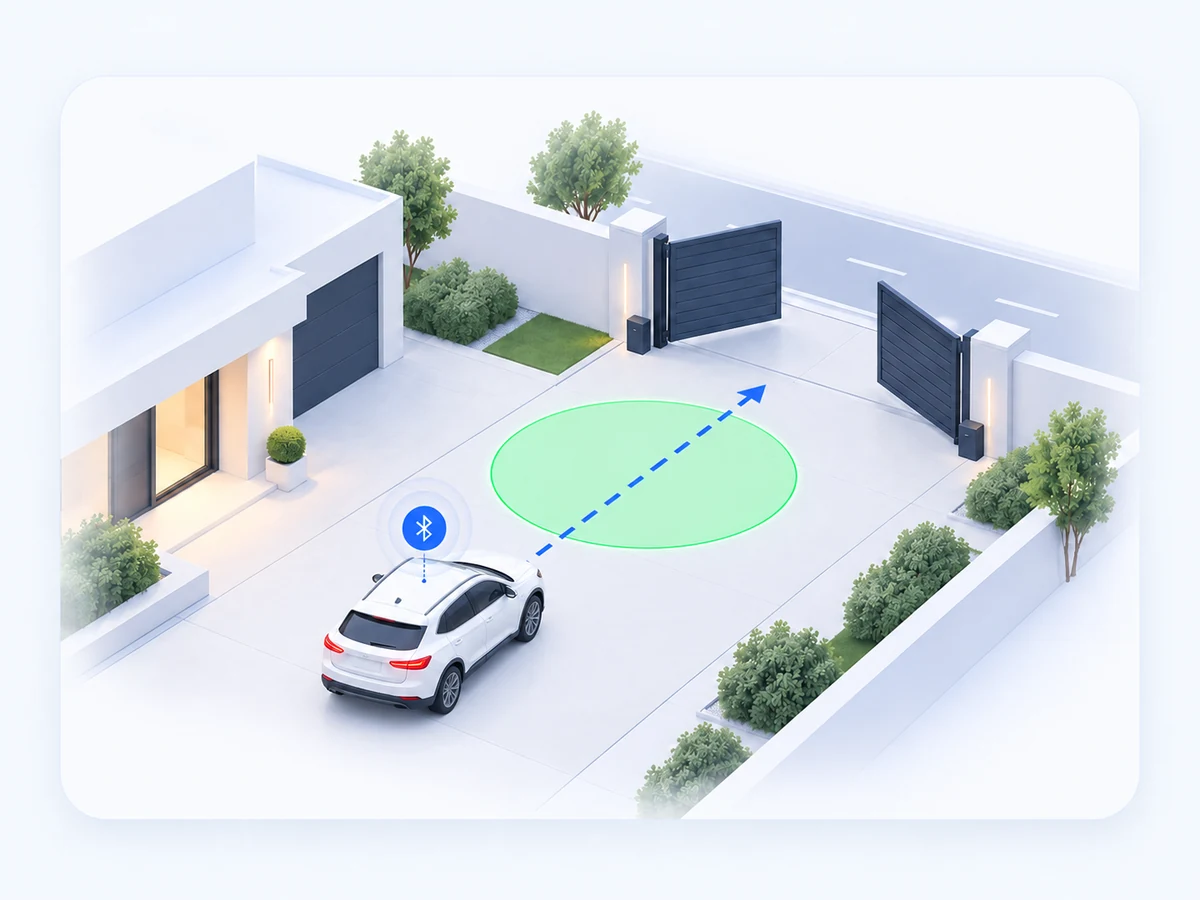
When the selected car Bluetooth connects while you are leaving Home / base, the app prepares the departure. The opening command is sent only after the car enters the green departure zone.
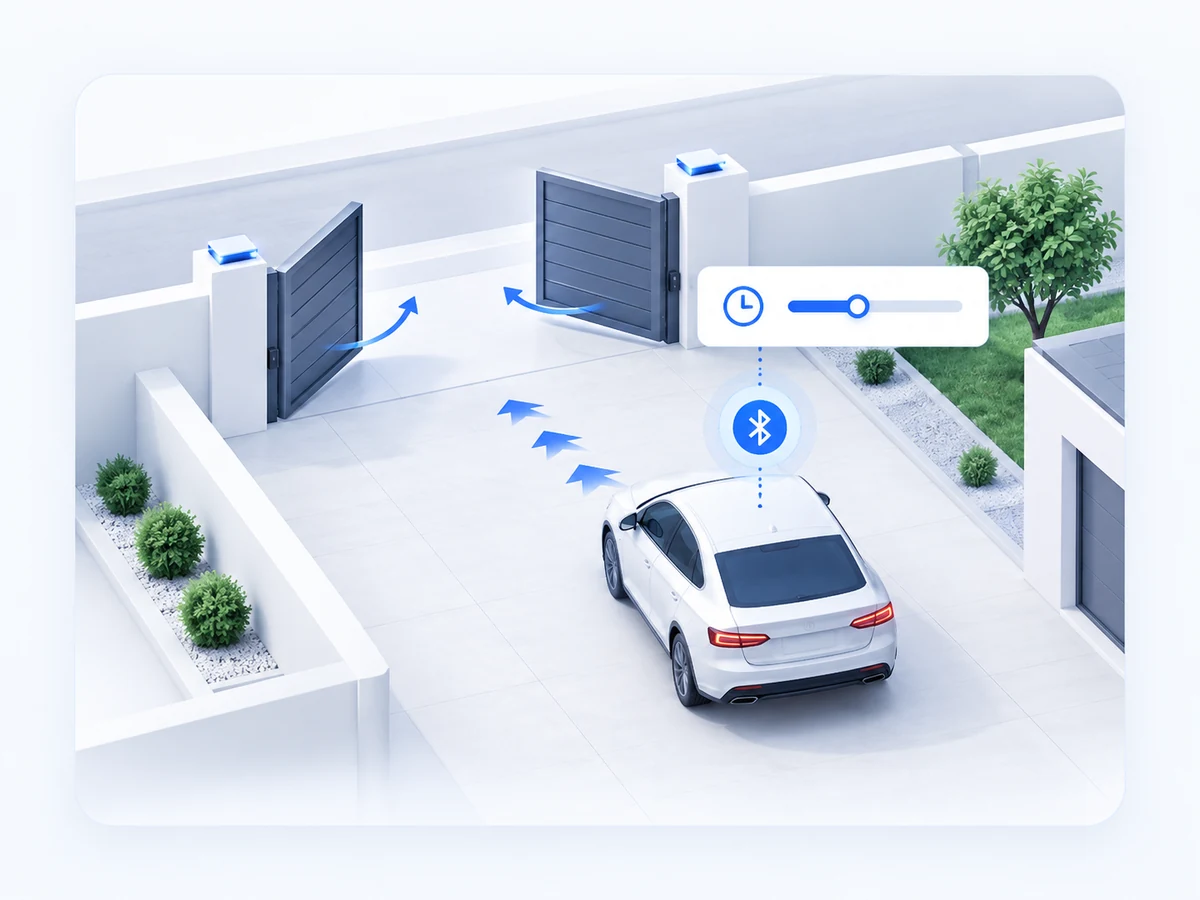
If the phone is inside Home / base when the selected car Bluetooth connects, the app counts down the configured time and then opens the gate automatically. This is useful when the car is parked close to the exit and there is no room for a green departure zone.
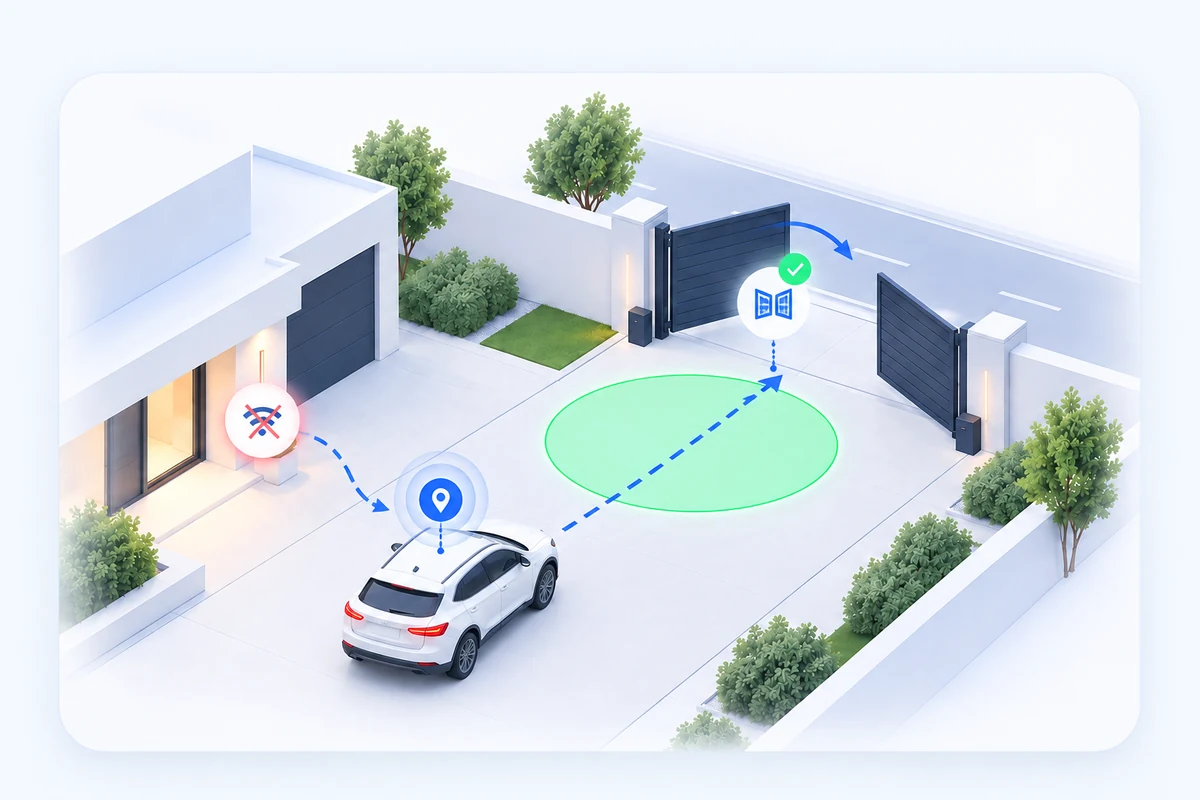
Losing the selected home Wi‑Fi starts one GPS observation session for departure. Losing Wi‑Fi alone does not open the gate; entering the green zone confirms the departure and can trigger opening.
When your phone connects to the selected car Bluetooth, the app can prepare the appropriate arrival or departure scenario. The phone can stay in your pocket, and more precise GPS control is used only when it is needed.
View configuration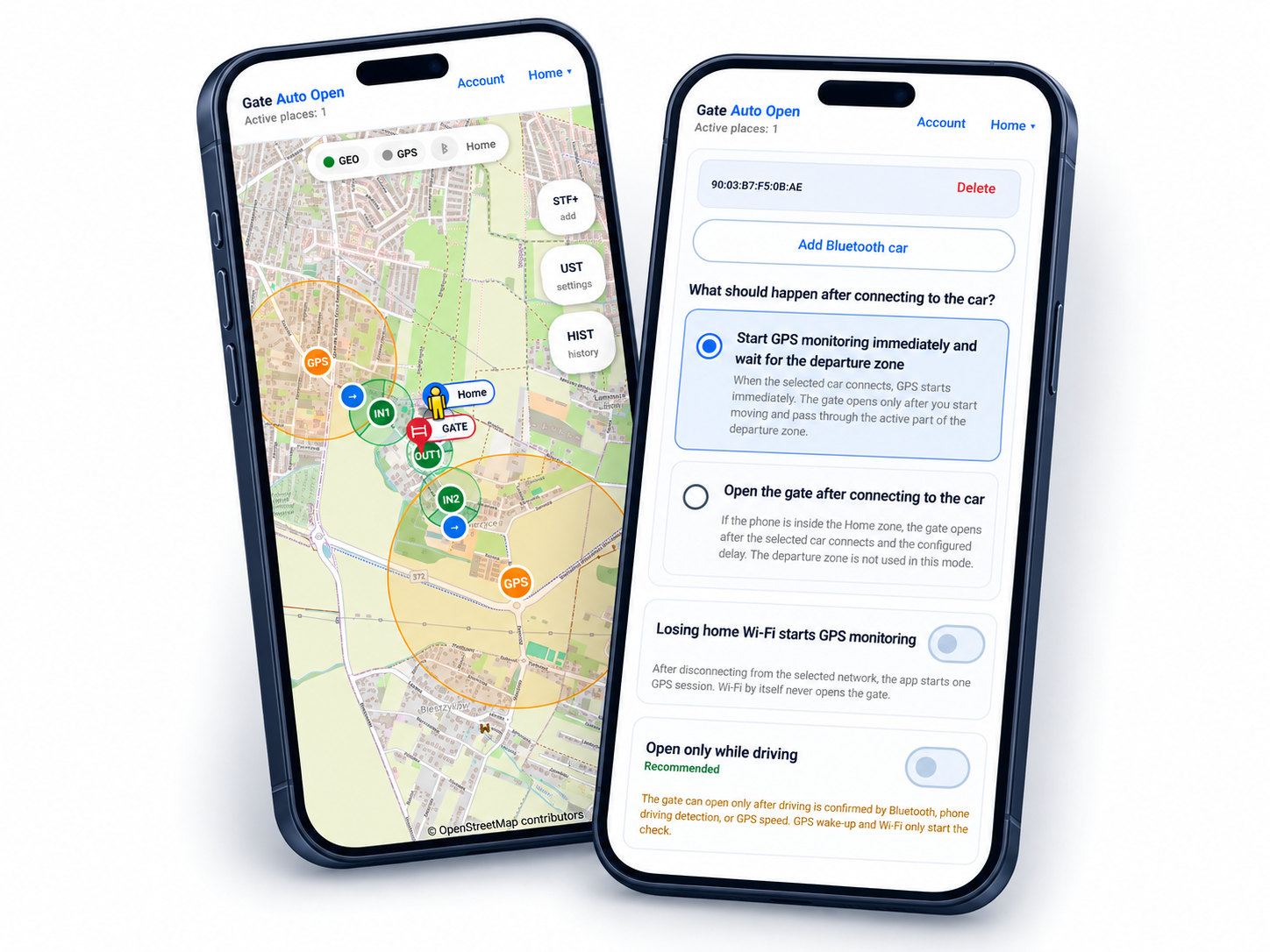
Configure one place from Home/base and Gate to wake and opening zones. Everything can be moved and adjusted later to match the real road layout.
Location access and background operation.

Recommended for the default battery-saving mode.

Internet for the account and links; GSM uses a normal phone call.
GSM, SUPLA or another compatible remote opening method.
The app does not control the motor directly. It triggers the configured remote opening method — for example a GSM call or a supported link.
The app calls the gate controller number.
Use a direct link created in SUPLA Cloud.
Use a compatible link from another controller or your own system.
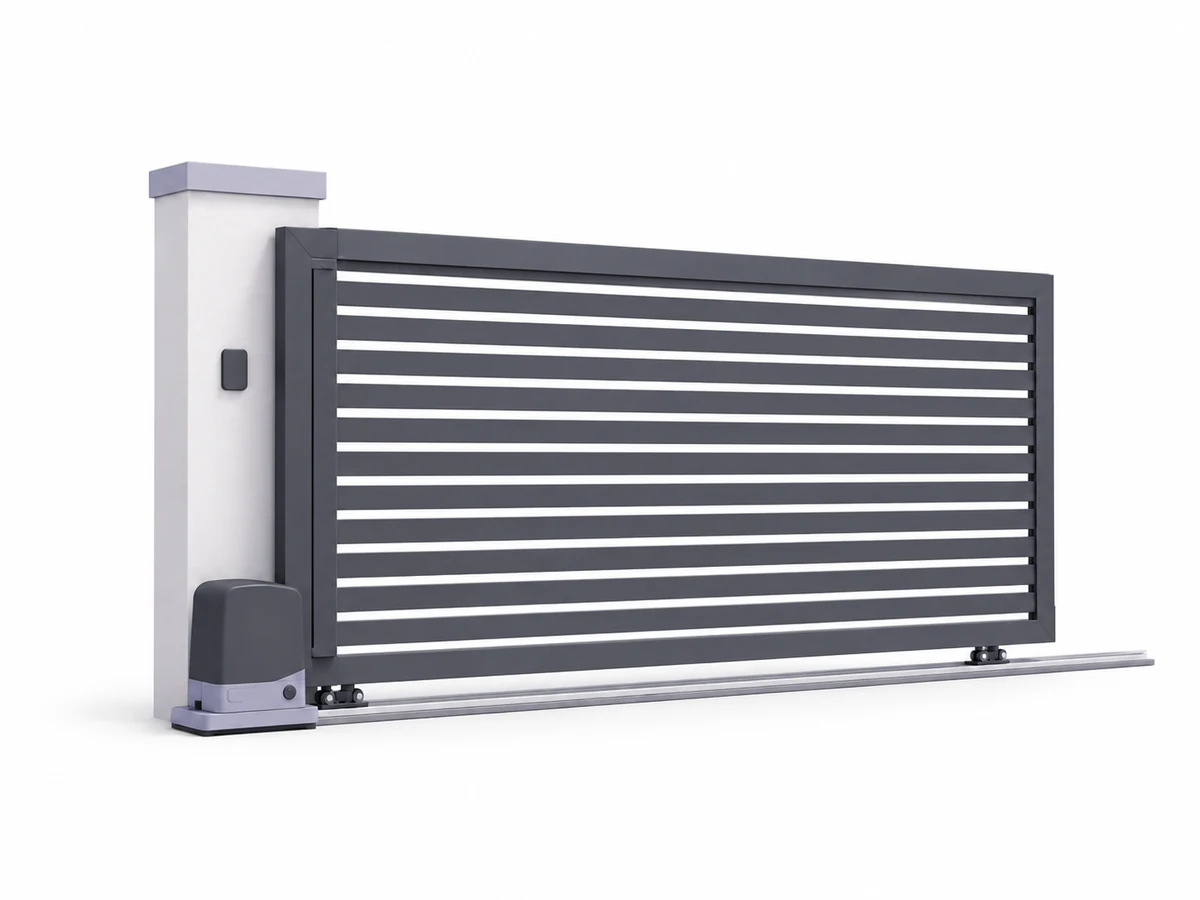
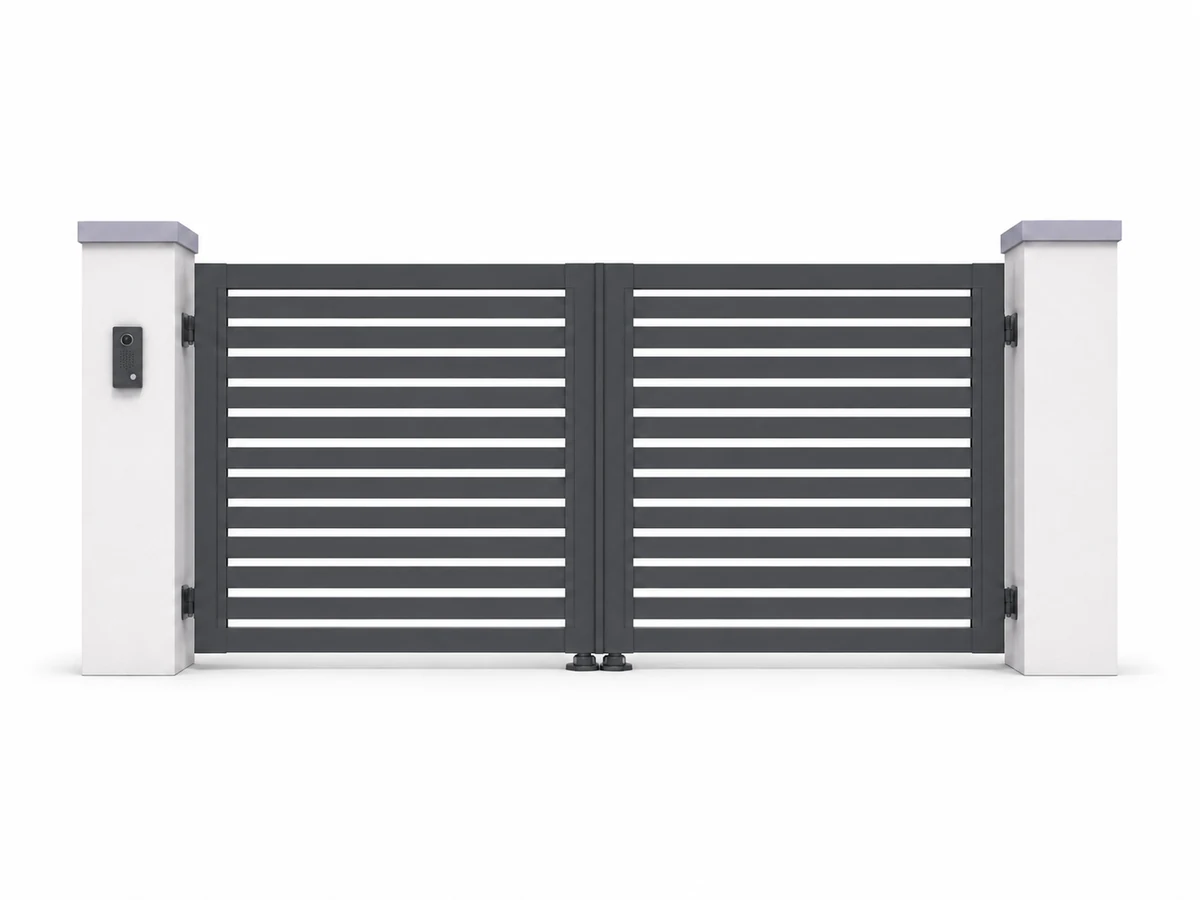
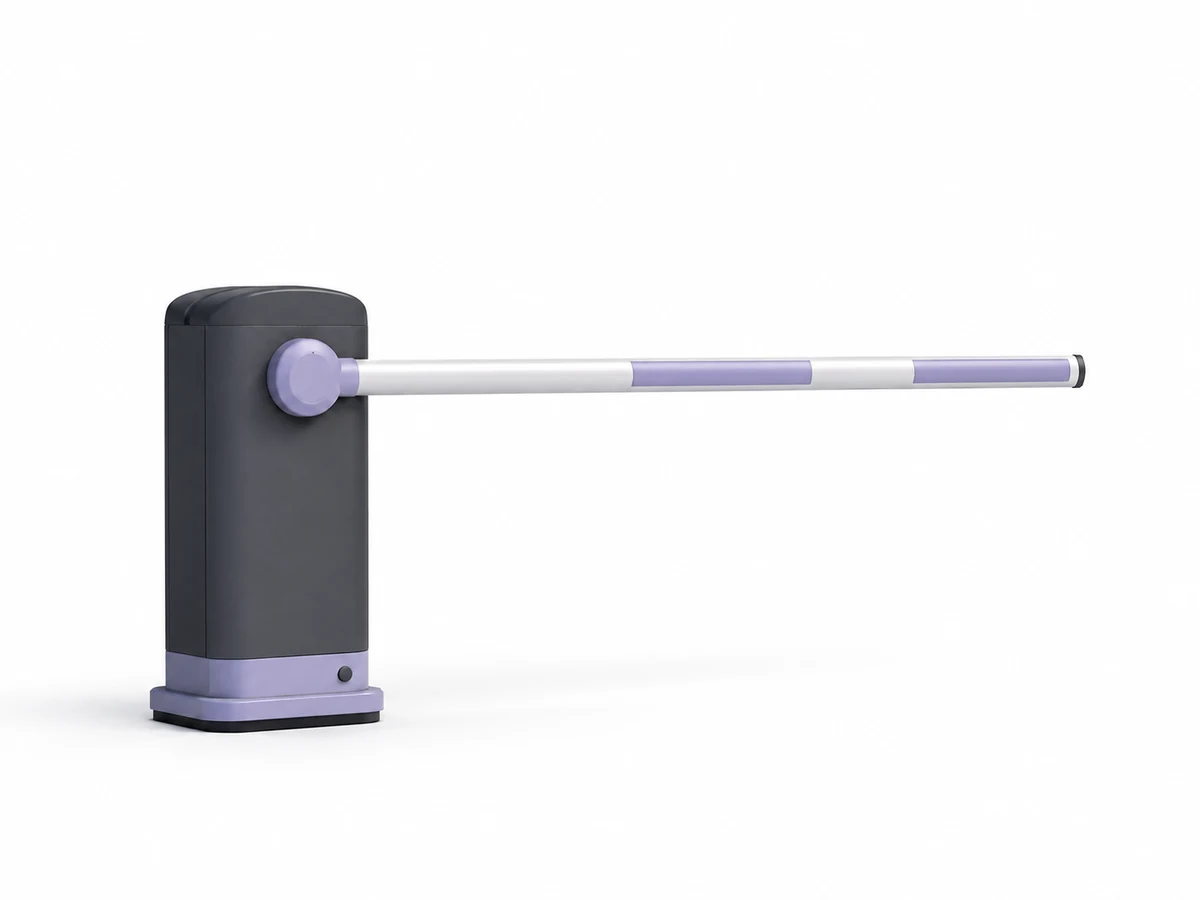
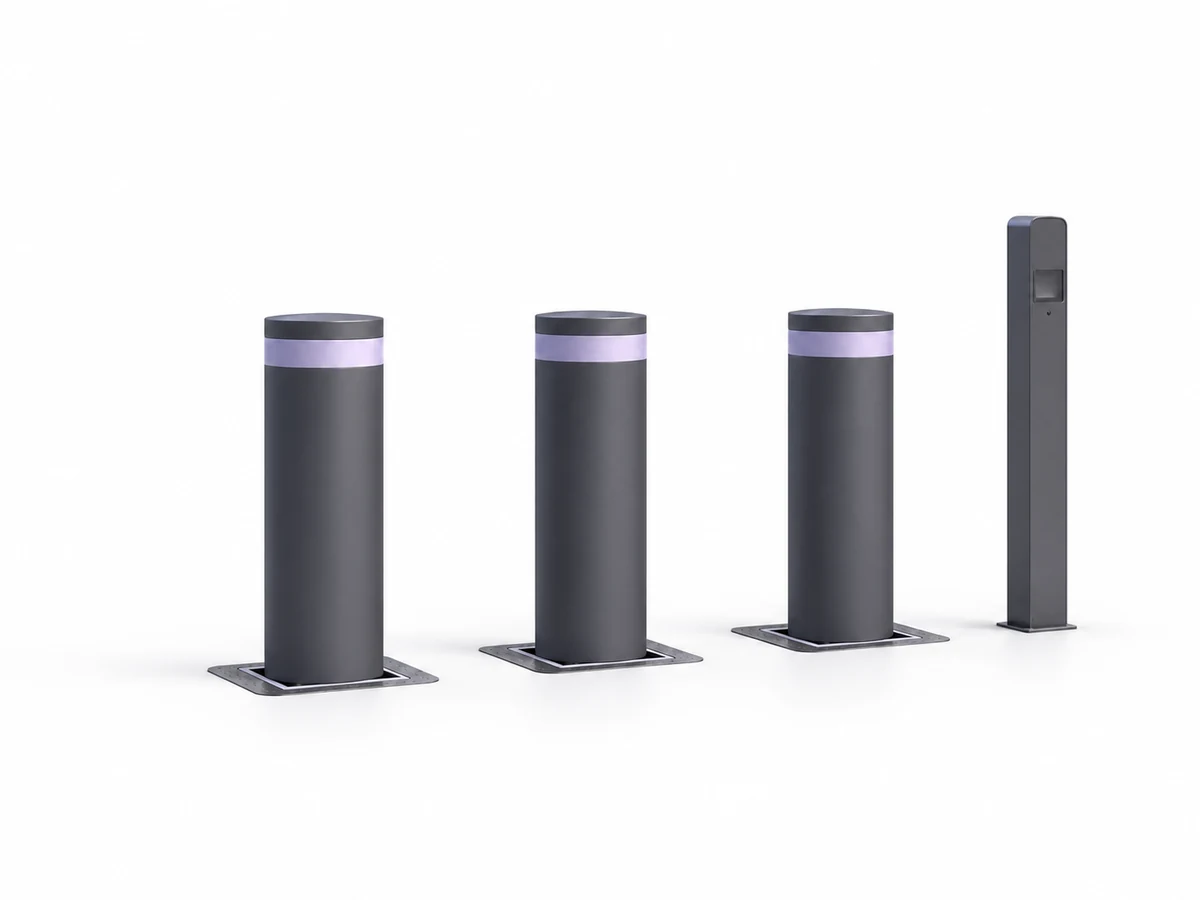
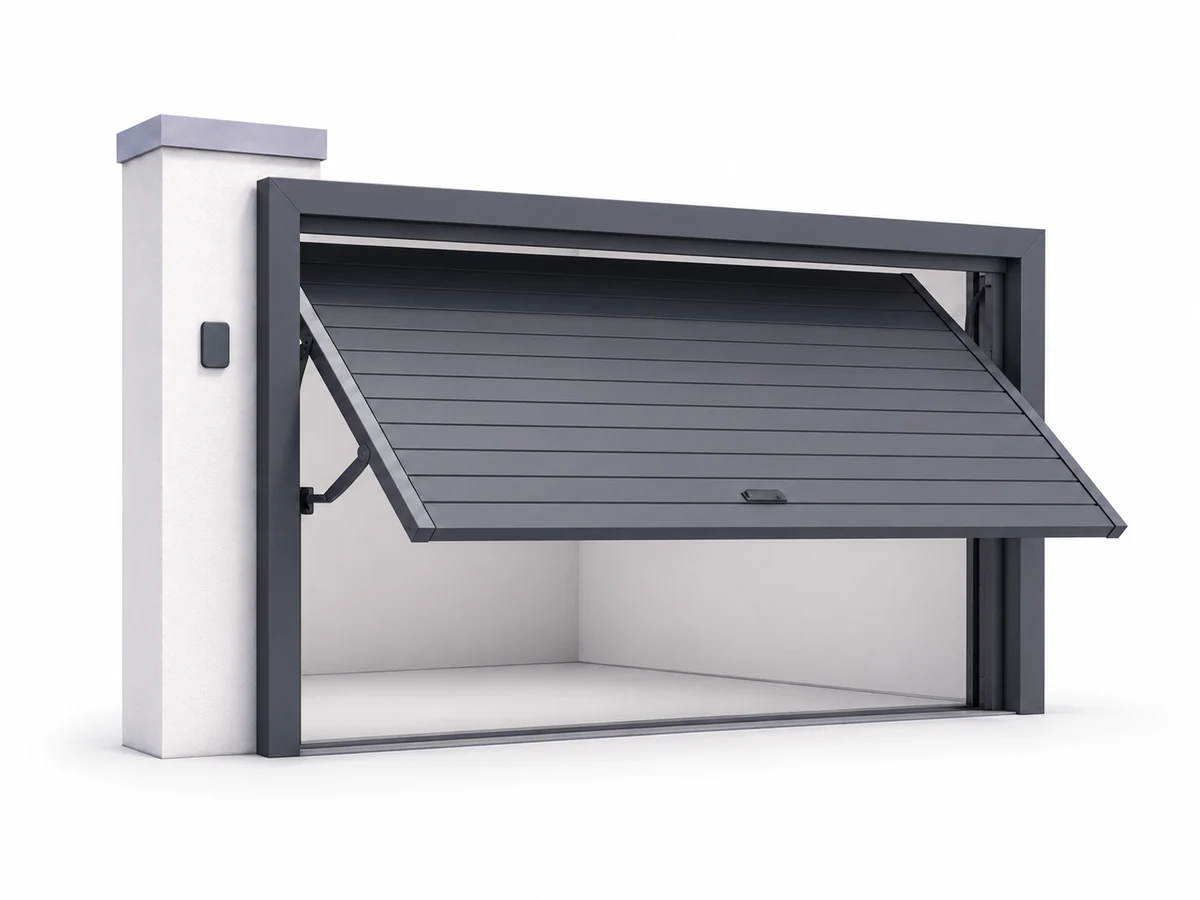
Gate Auto Open can work with sliding gates, swing gates, garage doors, barriers or bollards when their controller supports a compatible remote opening method.
Gate Auto Open can be used in any of 10 languages. Choose the interface language directly in the app.


The gate-opening audio notification is played in the language selected in the app, so you receive confirmation without looking at your phone.
If you are unsure where to place zones or why the gate does not react at the right point, you can send the map configuration to support. Support can review the zone layout and approach route, prepare corrections and return an updated configuration to the app.

Configure the app and test it on your own gate during normal daily trips. Choose a plan only after the trial.
Flexible monthly billing in Google Play.
Lower monthly cost when paid yearly.
The essentials before your first setup and test drive.
Contact us →It is recommended for the default battery-saving location mode. Connecting to an assigned car lets location automation start when it is actually needed. You can also use the home Wi‑Fi variant or disable energy-saving location monitoring if you want automation without Bluetooth and Wi‑Fi — at the cost of higher battery use.
No. With energy-saving location monitoring enabled, precise GPS can be off or in standby outside an active scenario. When automation wakes, the app starts more precise GPS control for the configured time and can then return to a low-power state.
Yes. Arrival and departure are configured independently. For departure you can choose Bluetooth + green zone, Bluetooth + delay, or Wi‑Fi + green zone.
Internet is used for sign-in, periodic account checks, support and link-based opening. When the gate is opened by GSM, the opening command itself is a normal phone call.
Yes. You can add several places and give each one its own zones, opening method and one or more Bluetooth cars.
Zones can be moved and adjusted freely. You can also send the map configuration to support, which can prepare suggested changes without access to the credentials used to open the gate.
The Android app will be available through Google Play. You can already review the configuration guide and compatibility.