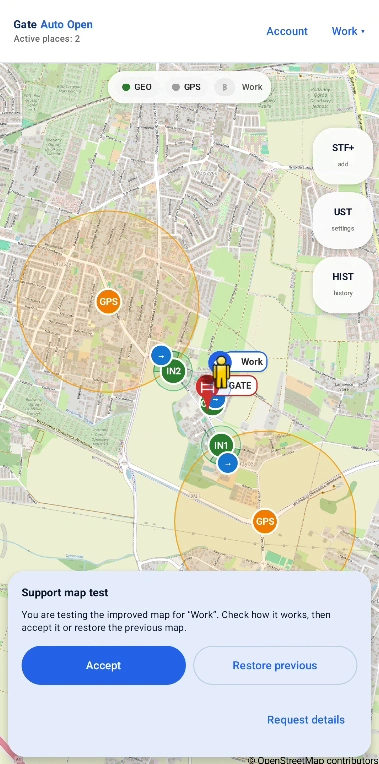
If automation does not behave as expected, check the cases below first. Many apparent faults are caused by the selected opening method, zone placement or intentional safety lockouts.
The gate does not open and the app does not make a GSM call.
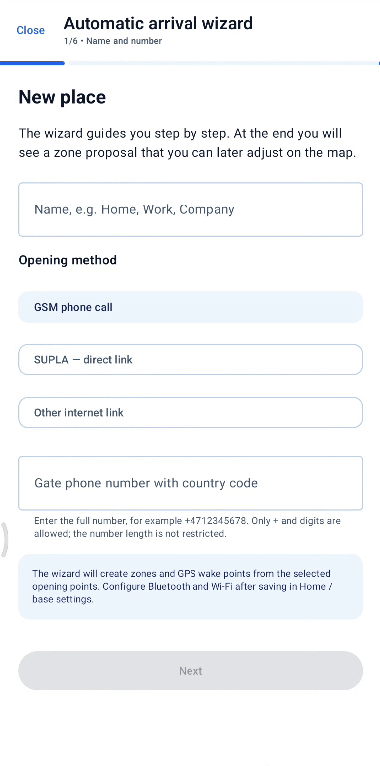
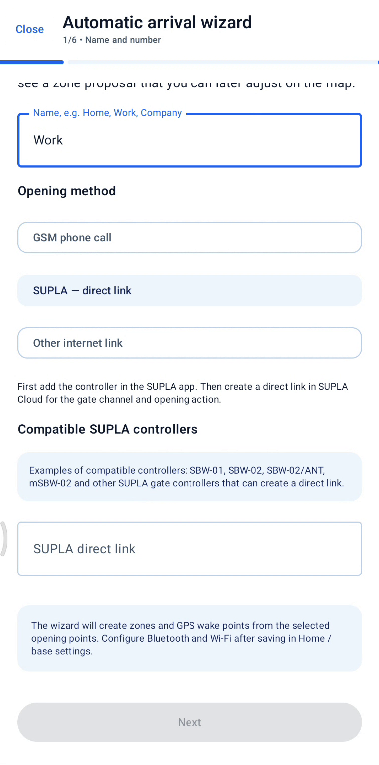
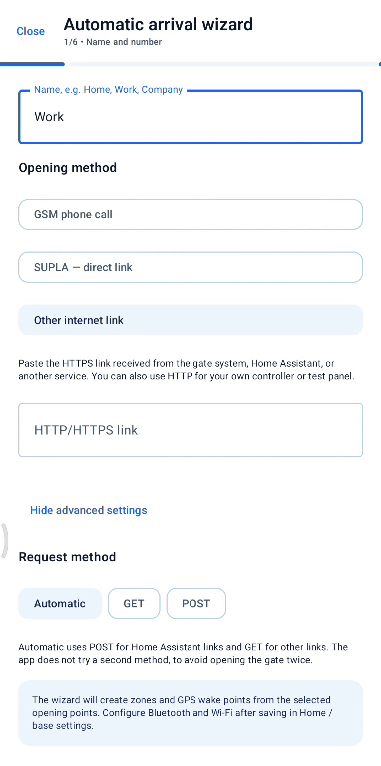
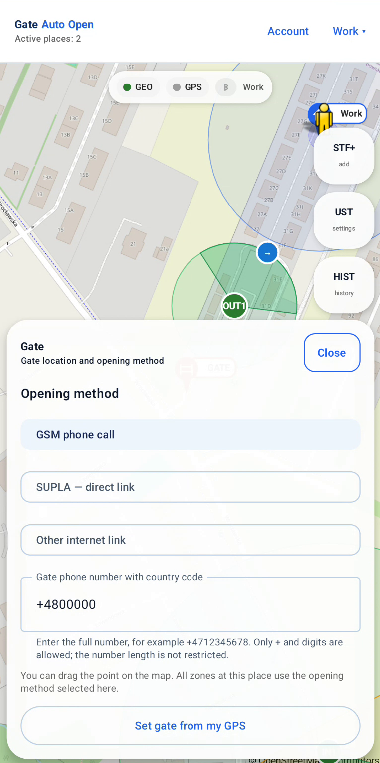
Open Gate settings and check the selected opening method. A common mistake is selecting Other internet link / HTTP instead of GSM phone call. Also check the full gate number and the Phone calls permission.
Bluetooth connected, but the gate did not open.
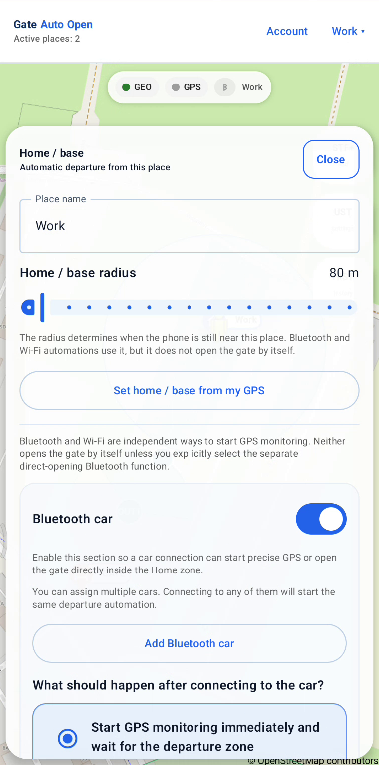
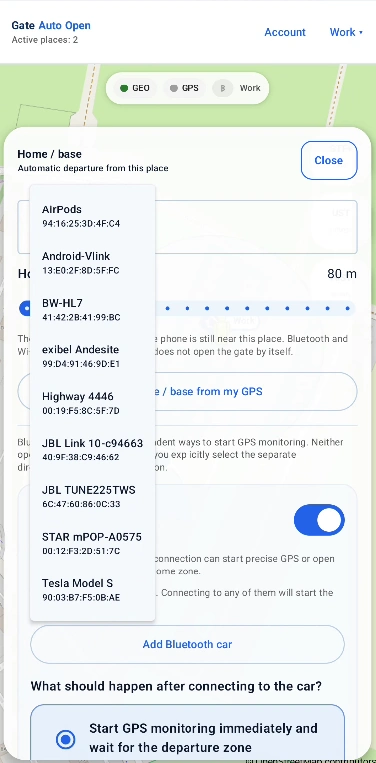
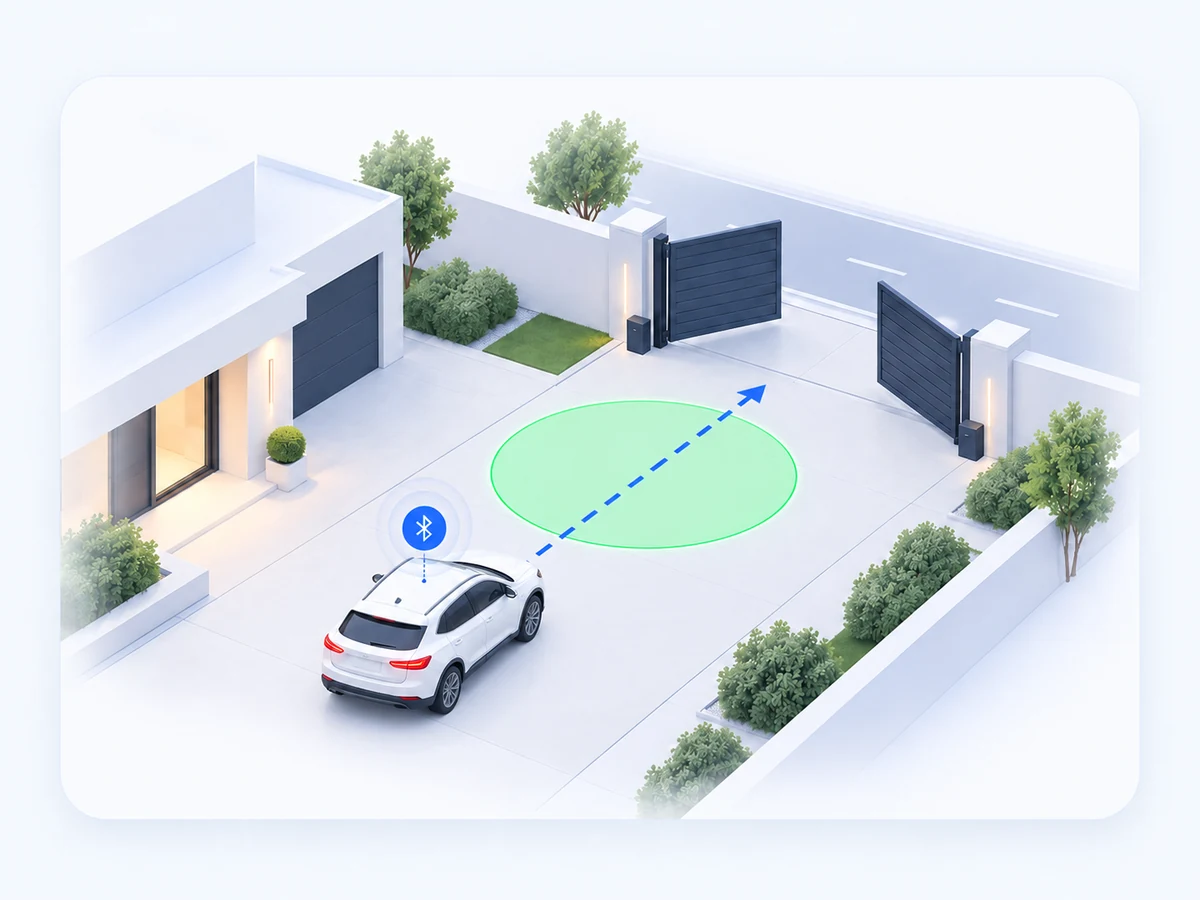
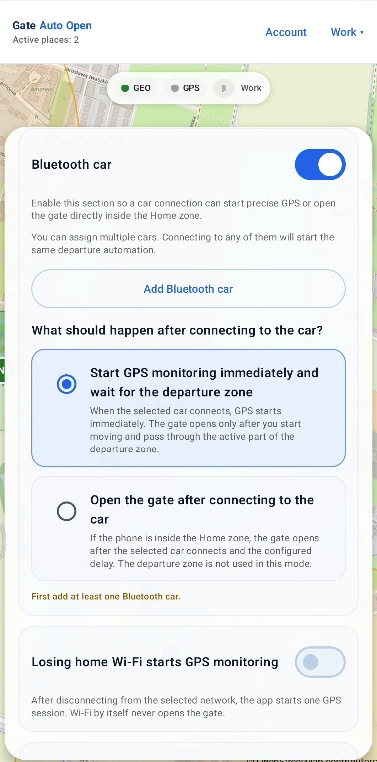
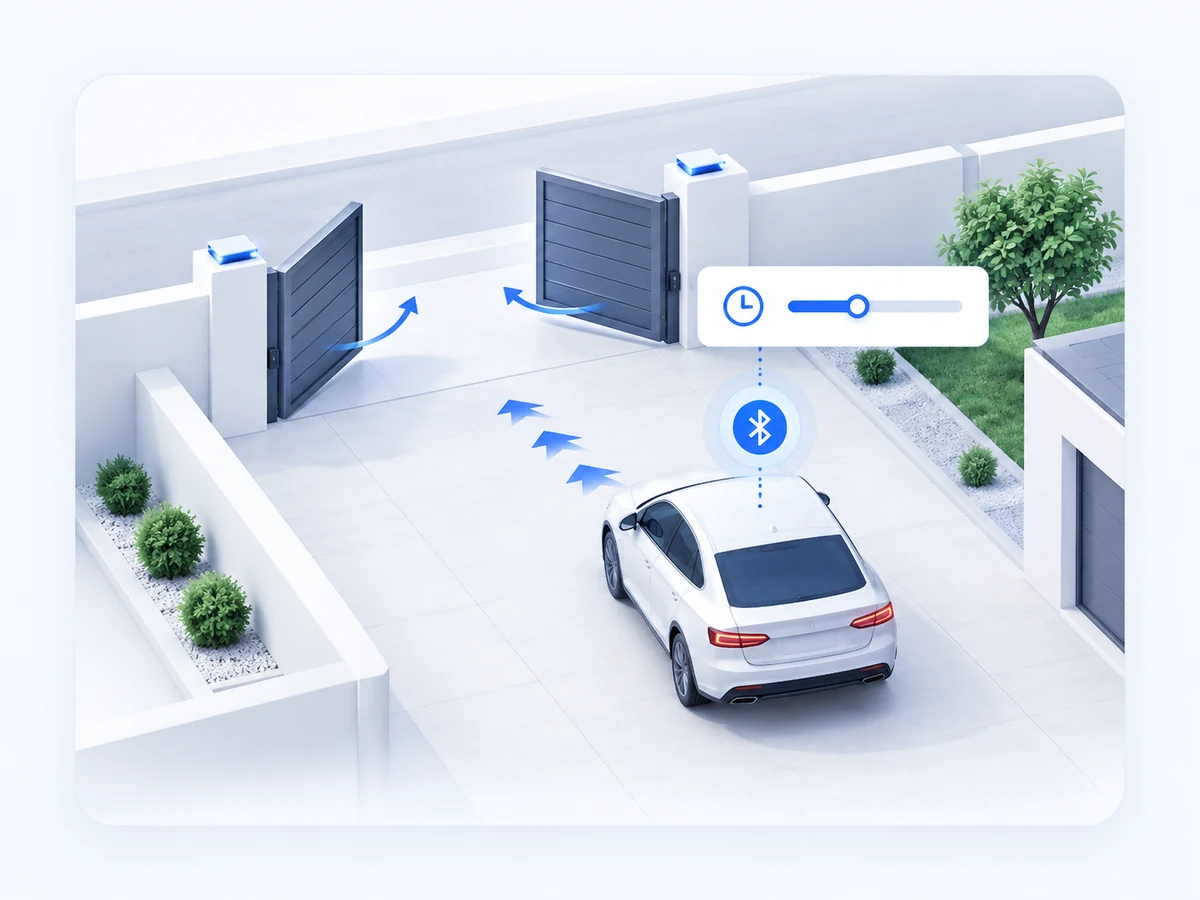
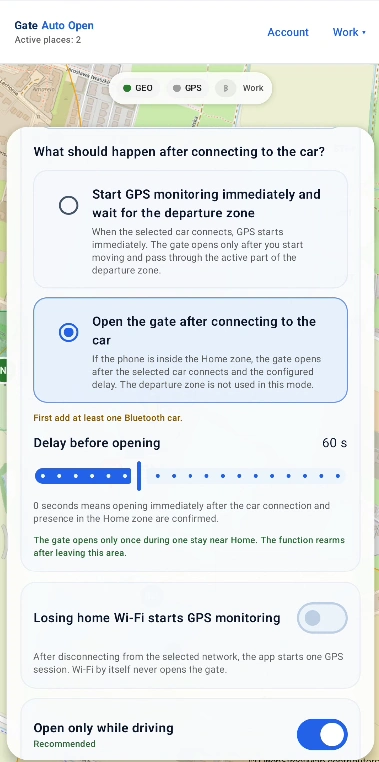
This can be correct. In Bluetooth + green zone, Bluetooth starts GPS observation but the gate opens only after entering the active green Departure zone. In Bluetooth + delay, opening happens only after the configured delay.
Losing home Wi‑Fi did not open the gate.
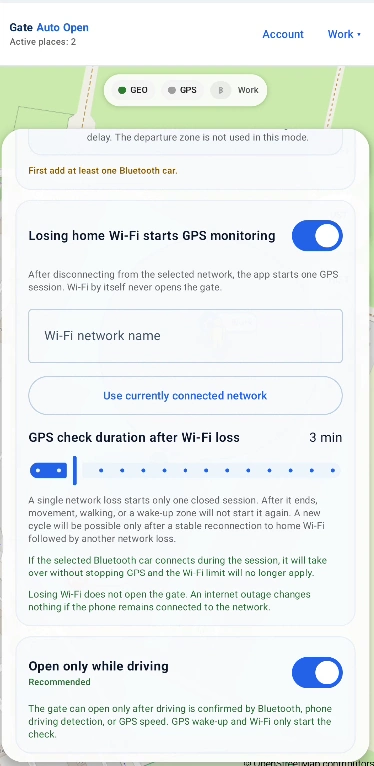
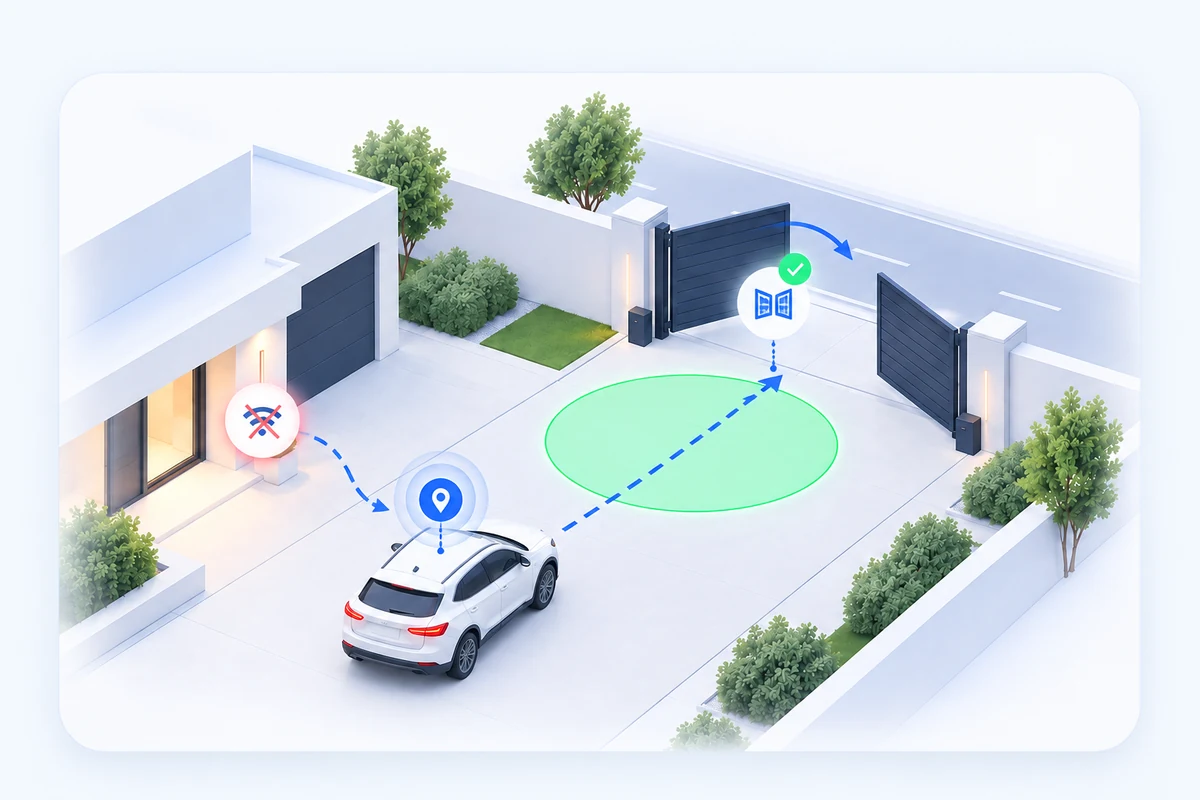
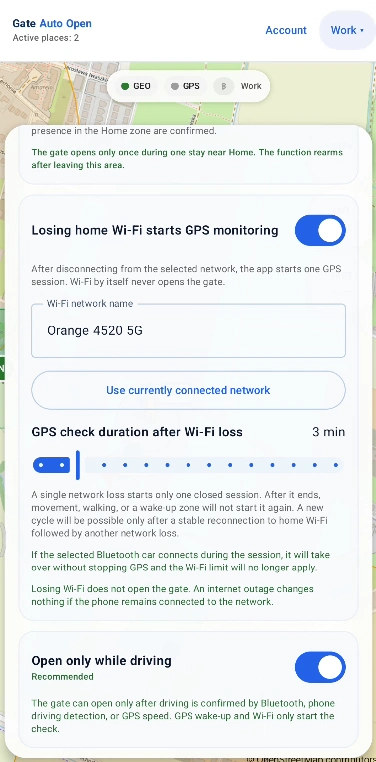
That is expected. Losing the configured Wi‑Fi only starts one GPS observation session. The green Departure zone must still be entered. An Internet outage while the phone remains connected to the router is not a Wi‑Fi loss.
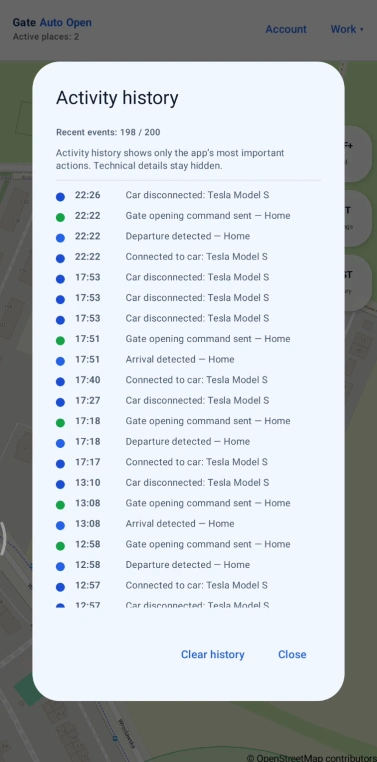
I left through the gate, immediately turned back and it did not open again.
Check Reopen lockout. The default one-minute lockout prevents an accidental second command. A new zone event also requires a proper new entry into the active part of the zone.
The gate opens too late or sometimes not before I arrive.
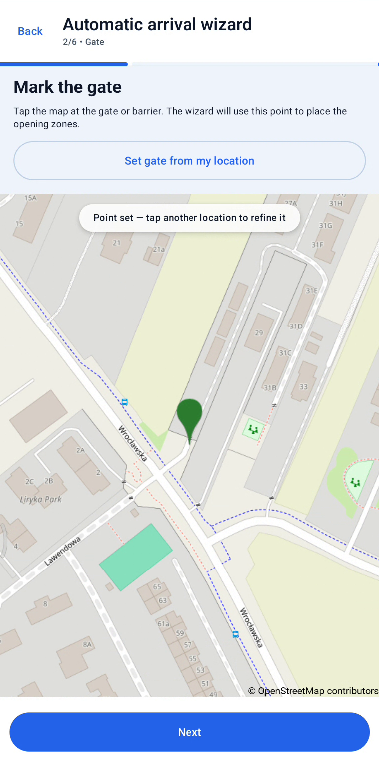
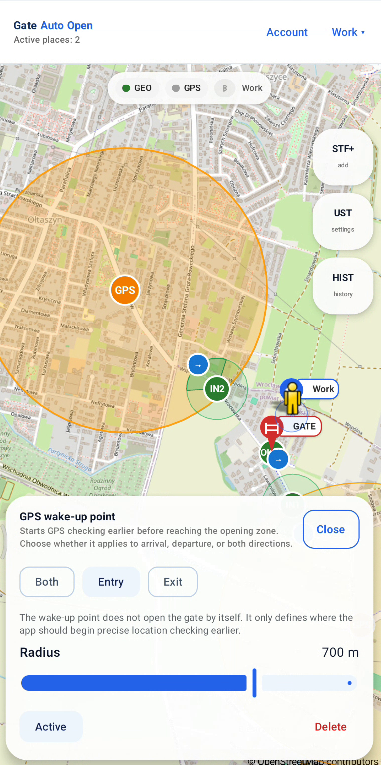
Move the GPS wake-up earlier and make sure the green opening zone is not too close to the gate. Adjust the radius only after confirming the zone centre is on the real road.
The car passes near the zone, but the app does not count it.
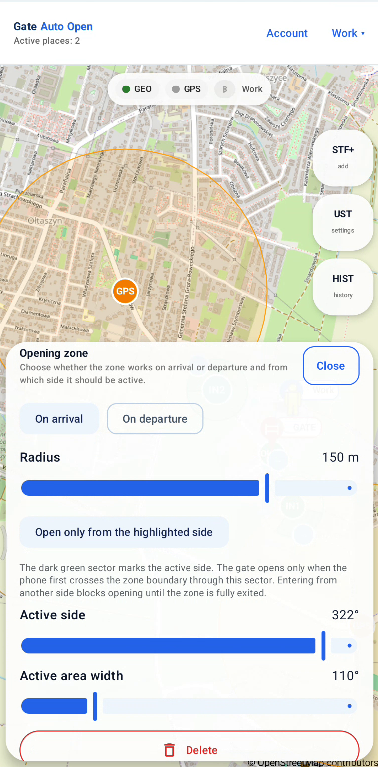
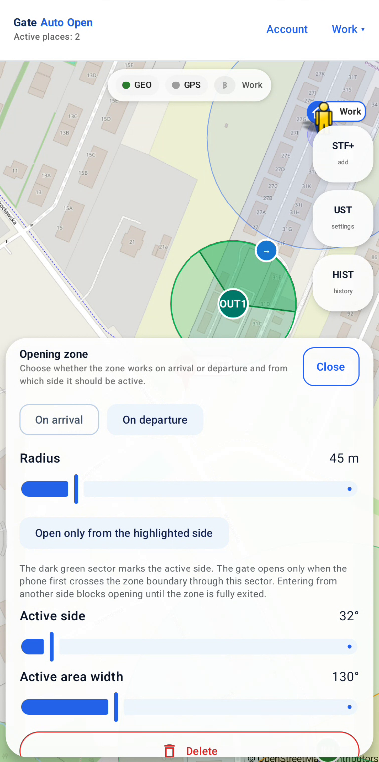
Check zone radius, Active side and Active area width. With Open only from the highlighted side enabled, the phone must enter through the highlighted sector.
GPS observation ends before I reach the departure zone.
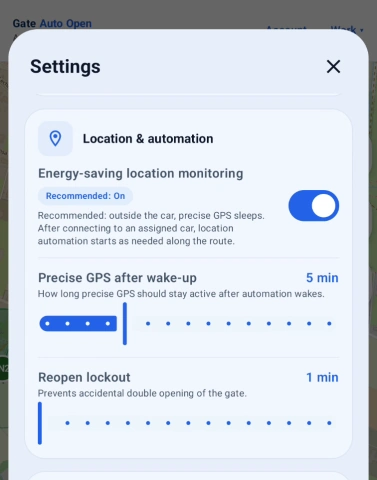
Check Settings → Location & automation → Precise GPS after wake-up. The default is 5 minutes. Add a small safety margin; for example, if the normal drive to the zone takes about 5 minutes, set about 8 minutes.
The GPS wake-up was detected, but the gate did not open.
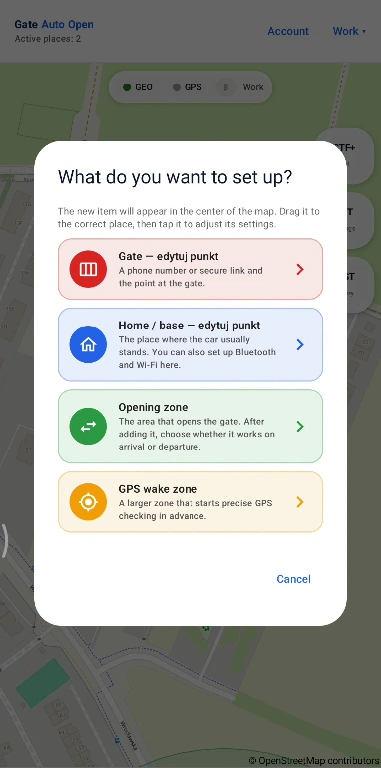
Correct behaviour: a GPS wake-up only starts more accurate location checking. In zone-based scenarios, the gate opens only after the correct green opening zone is entered. Bluetooth + delay is independent of the green departure zone.
The app works while open but not reliably in the background.
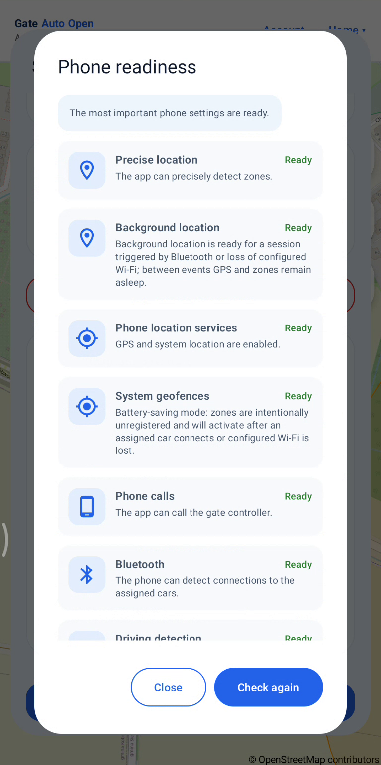
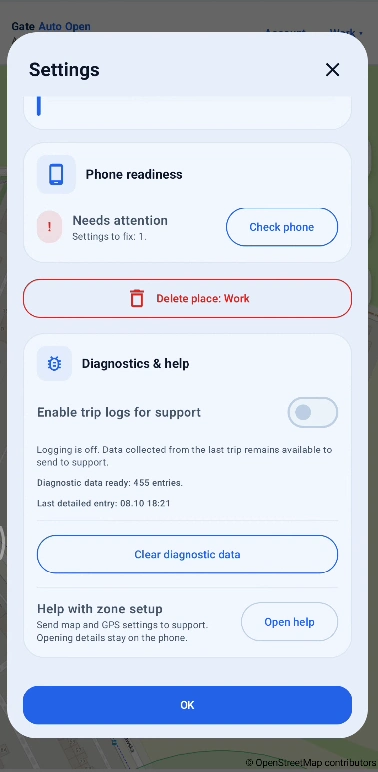
Open Phone readiness and check Precise location, Background location, Phone location services, System geofences, Bluetooth and Android battery restrictions. If you use GSM, also check Phone calls.
Why can Gate Auto Open use more battery?
Precise GPS always uses more power. Keep Energy-saving location monitoring enabled for normal use: with a typical Bluetooth setup, active GPS checking starts mainly after the phone connects to an assigned car and around the configured zones. If the GPS wake-up radius is large, for example about 2.5 km, increased use may begin around that distance from home. Android battery optimisation for Gate Auto Open should still be disabled / set to Unrestricted so the system does not put the app to sleep — this is a different setting. Turning Energy-saving location monitoring off inside the app allows automation without waiting for Bluetooth or Wi‑Fi, but battery use can be noticeably higher. Charging the phone during longer drives is recommended.
I do not know why one specific trip failed.
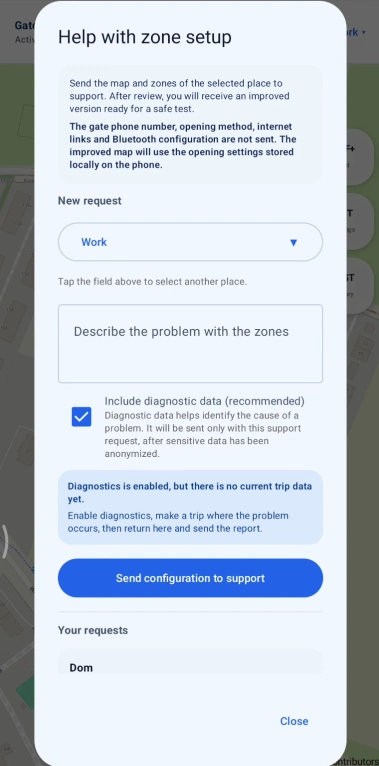
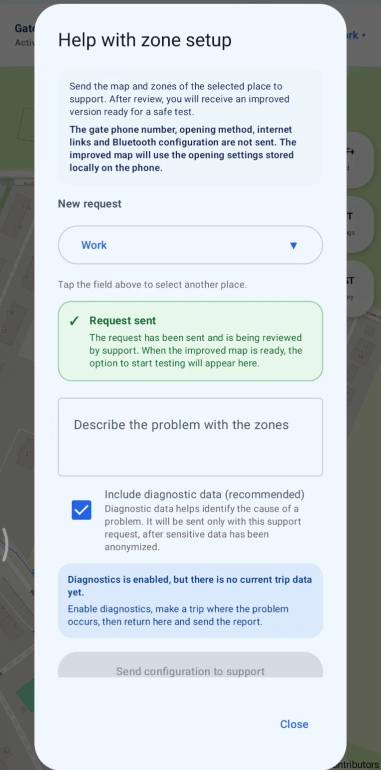
Enable trip logs before the next attempt, reproduce the issue on the normal route and send a support request from the app with the available recent logs. Email cannot attach these diagnostic logs.